

DIVI Theme - easy to optimise or devilishly difficult? 👿
Let's put DIVI under the microscope...

Exciting! DIVI is one of the most popular builders on the net, but it’s not one I’ve ever used. Let’s put it to the test and see if we can hit that fabled 100…
Step 1: Signup and install a test site
A “Quick Site” seems like just what I’m looking for. Ooo, this is interesting there’s an AI builder. Let’s try it out:
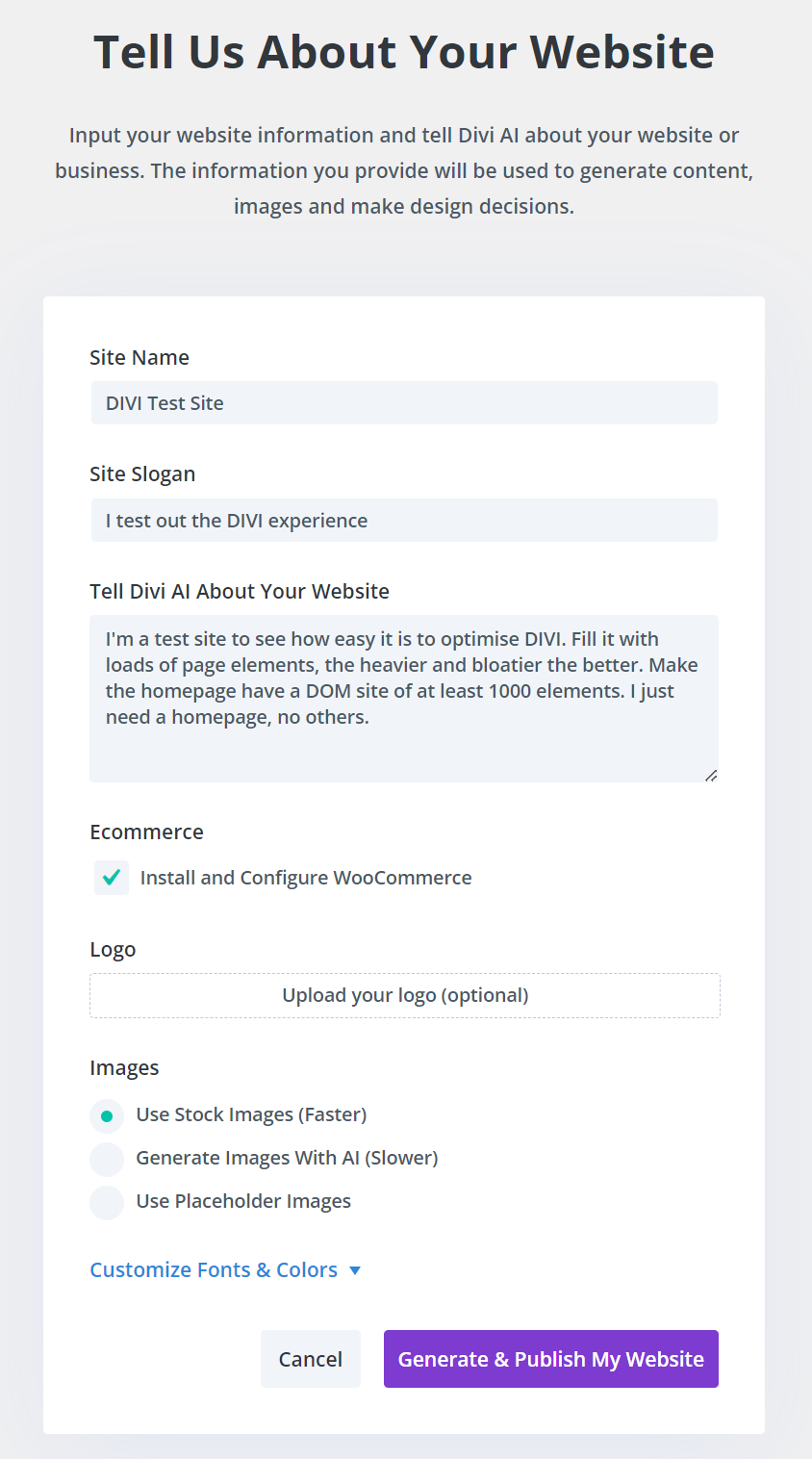
Hmmm…. not bad
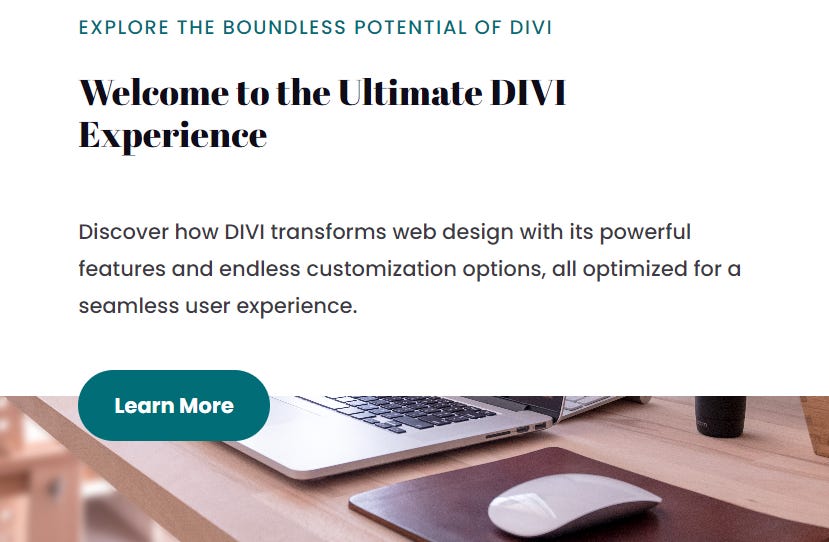
But it’s only got 399 DOM elements. I’ll jump into the builder and add some more random stuff.
OK, I added a few sliders and duplicated the entire page. We’re up to 820 DOM elements.
Finally, I’ll add in Google Tag Manager and Google Analytics using SpeedifyPress’s Find/Replace feature (with everything else in the plugin disabled)
Step 2: Test initial performance
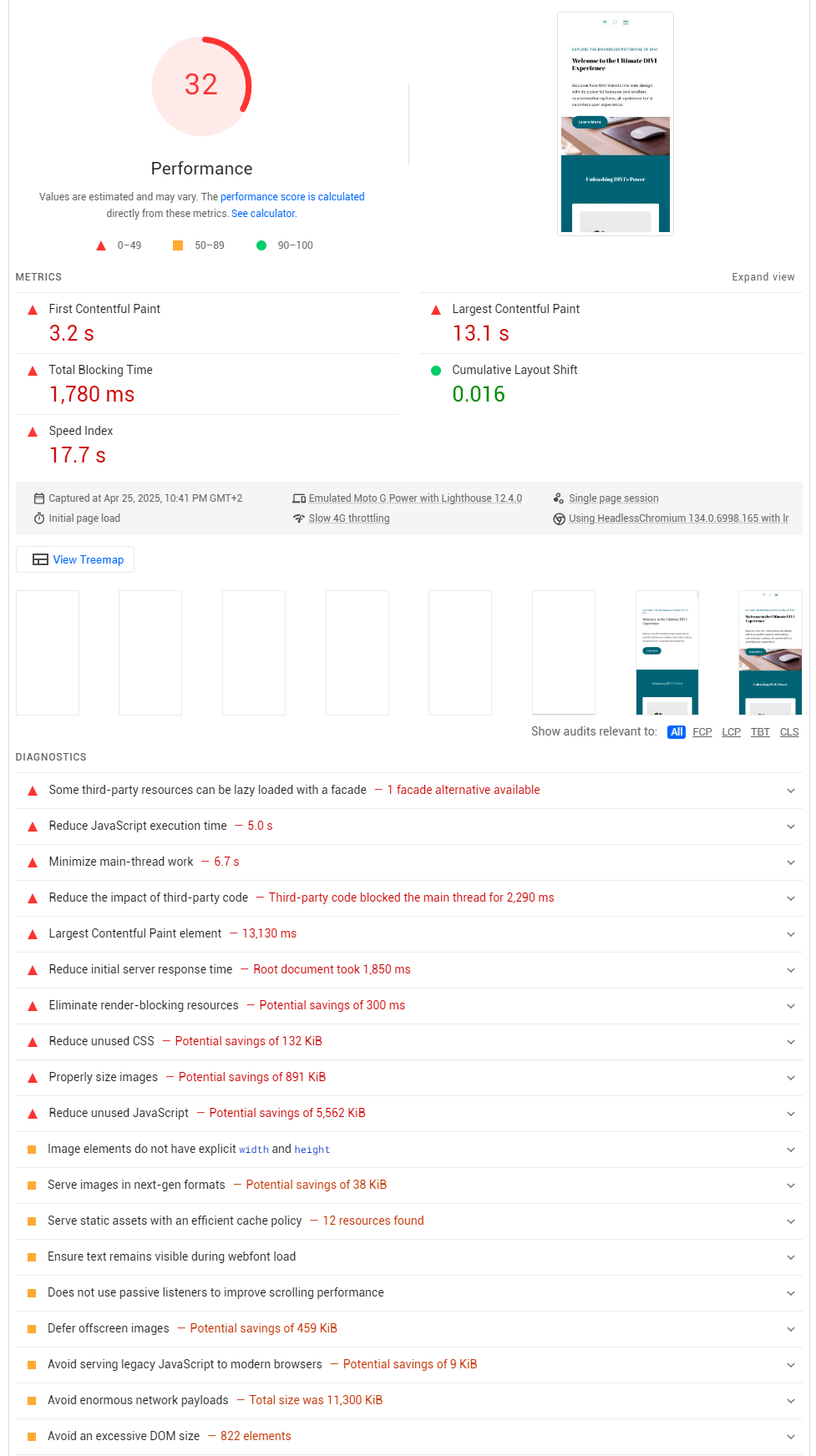
Fantastic! We have a really low score, which means there’s lots of work to do. This is the lowest initial score we’ve had so far in all the tests (WP Bakery got 55, Elementor scored 61, Elementor Pro got a 68, Avada scored 64 and Astra came in at 66). Right … let’s get to work…
Step 3: Turn on the optimisations!
Regular readers will know the drill here, we turn on SpeedifyPress and let it do its thing.
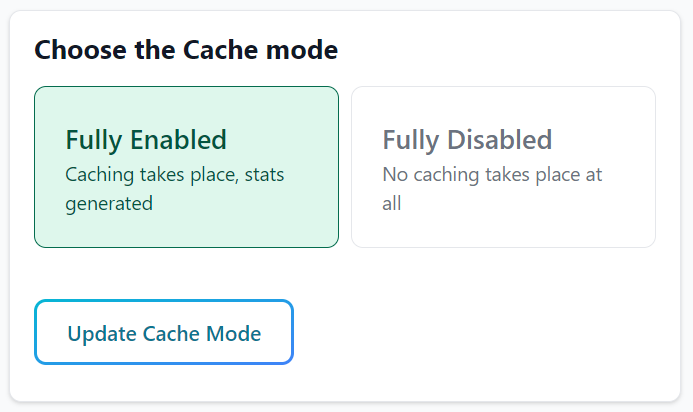
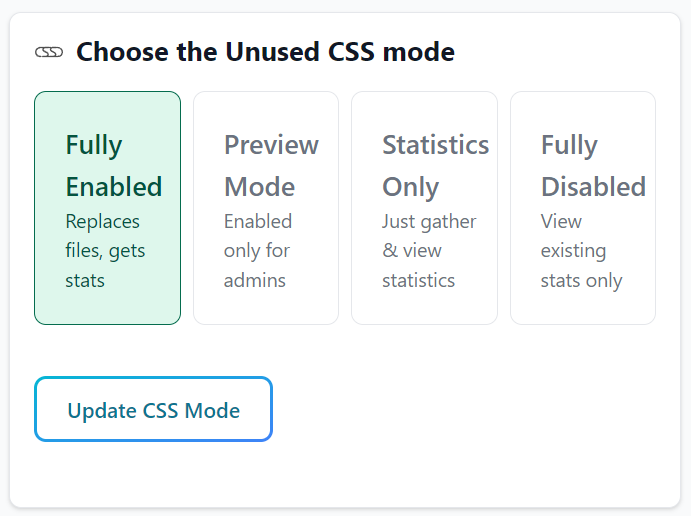

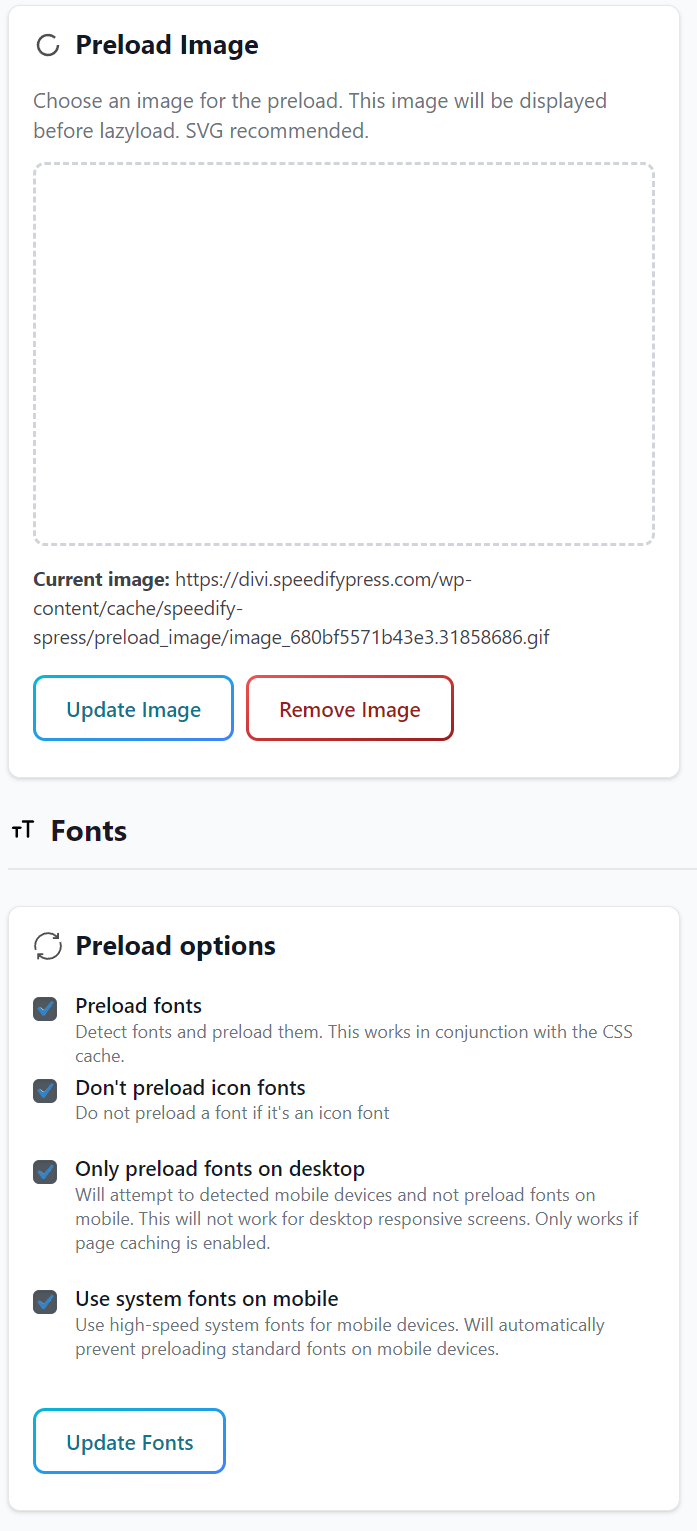
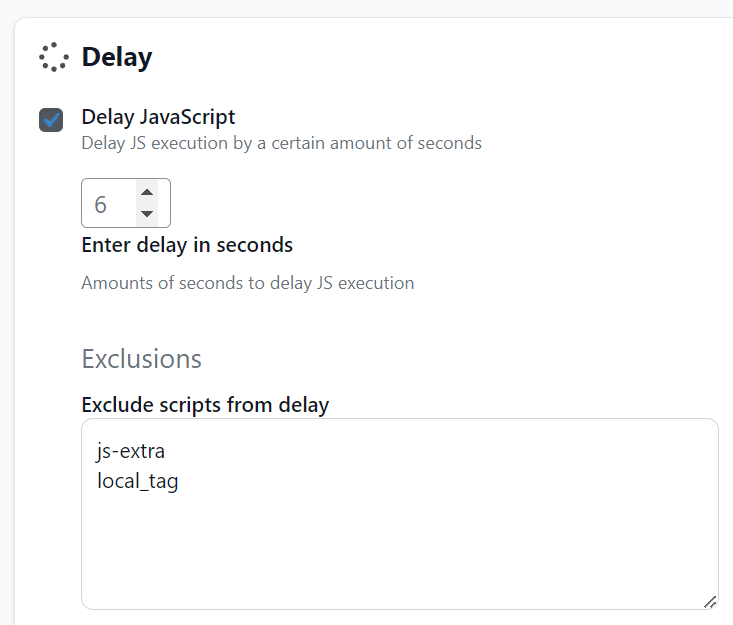
Then I just need to refresh the site, and wait for the CSS optimisation to run in the background. Checking in the JavaScript console I can see that worked fine.

OK, let’s see how we’re doing:
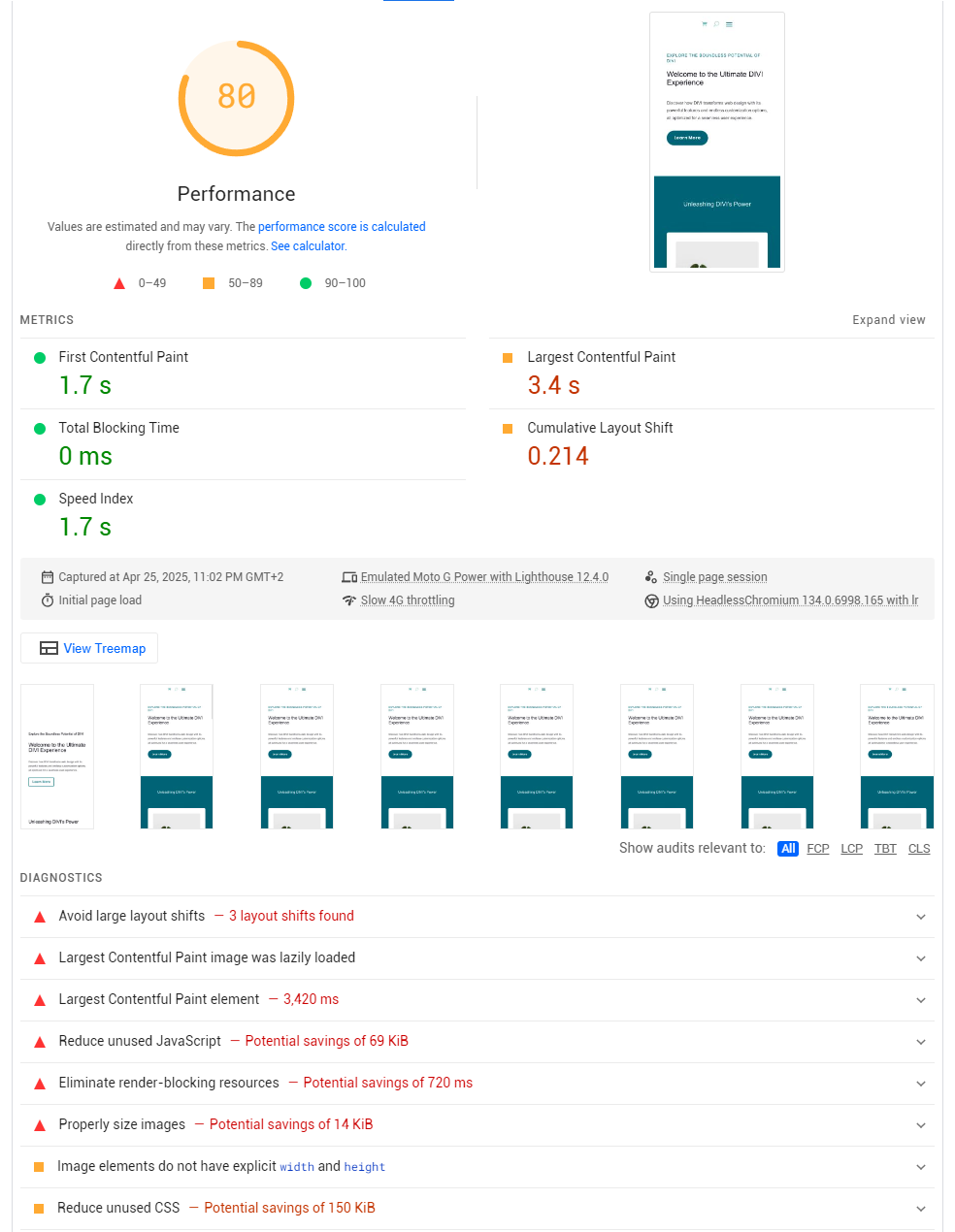
Interesting! This is a tough one. Let’s get the easy fixes out the way first:
We’ll sort out any render blocking fonts with OMGF
And as ever we have some images that could be better optimised so let’s get Compress X on the case for those
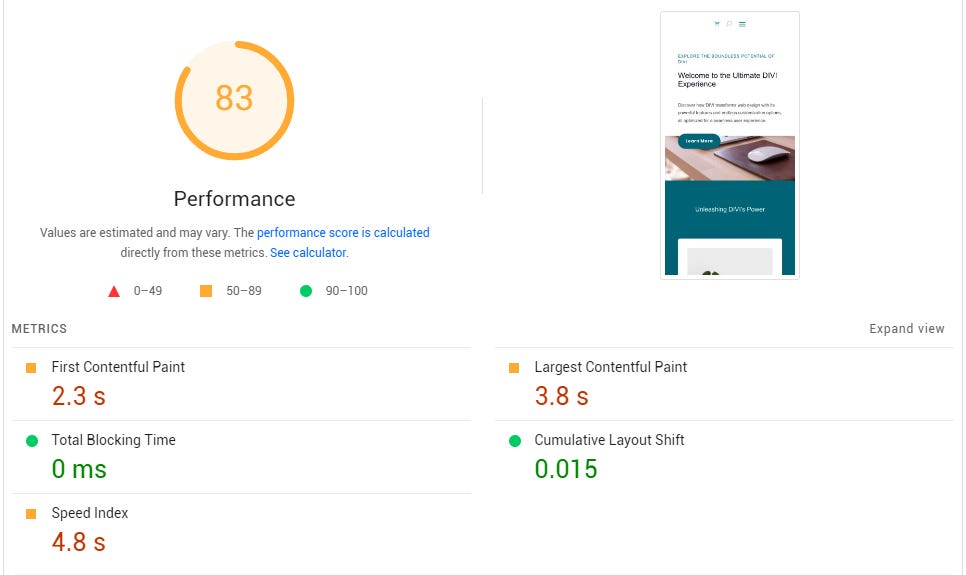
Hmmm …still issues. We’re going to need to move onto…
Step 4: Tweak and Refine
So, it seems DIVI has a bunch of performance options. I’ll turn them all off (apart from disabling the emojis)
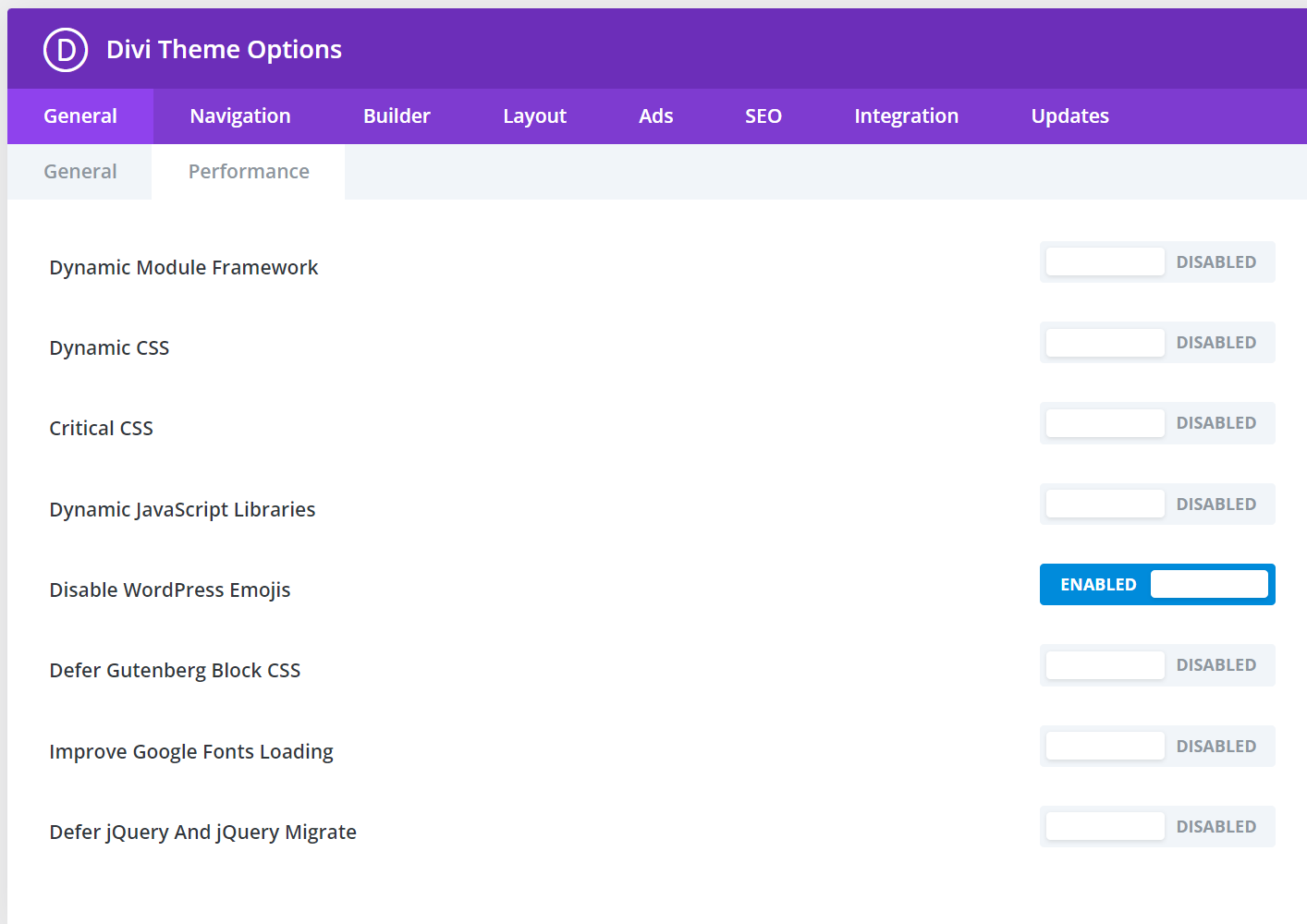
After doing that, we’re getting closer…
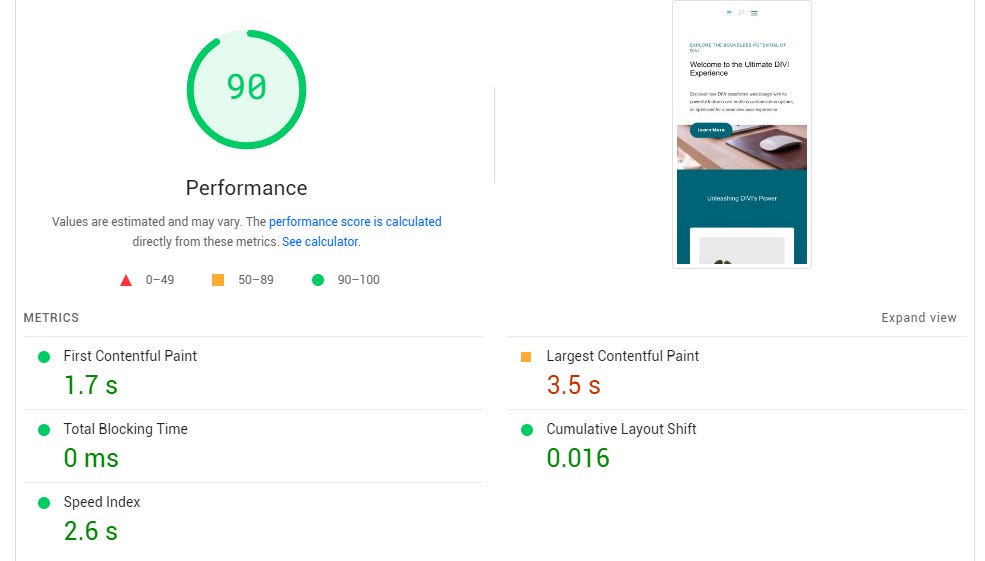
The images on the page are externally hosted (on unsplash), I’ll host those locally too. That brings a small improvement.
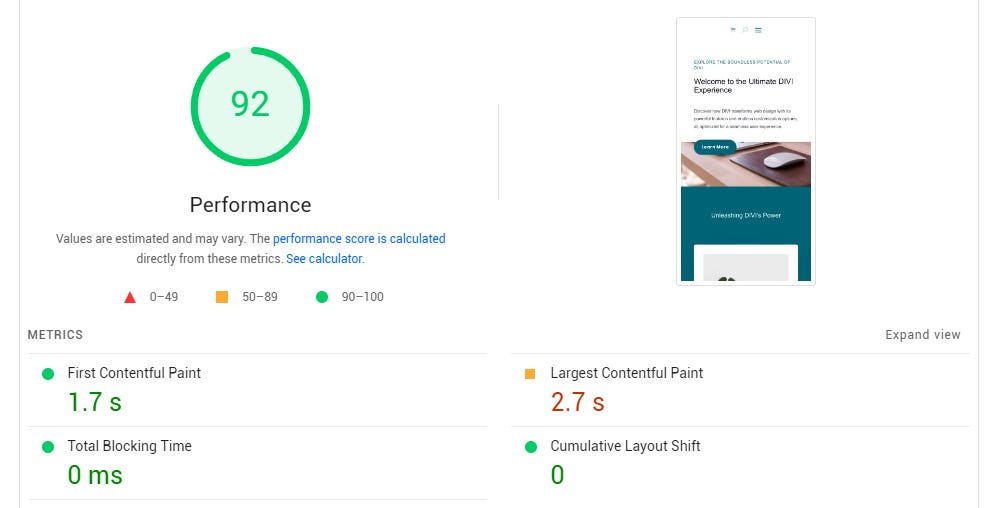
But we still have problems with the LCP. Let’s dig a little deeper…
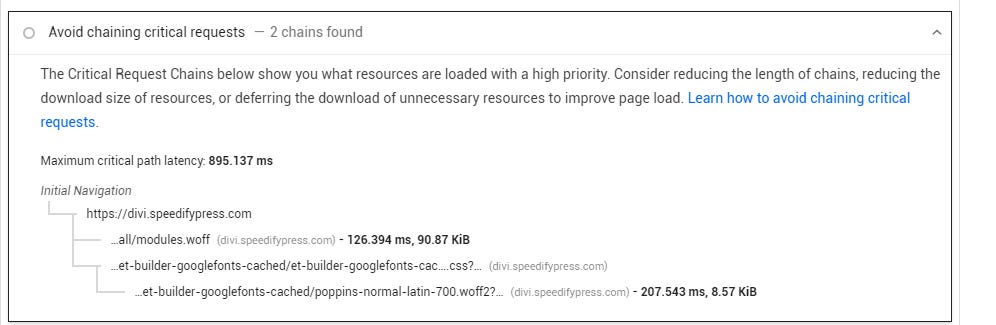
Looks like we have webfonts problems. I can use Find/Replace to remove the Google fonts caching on mobile.
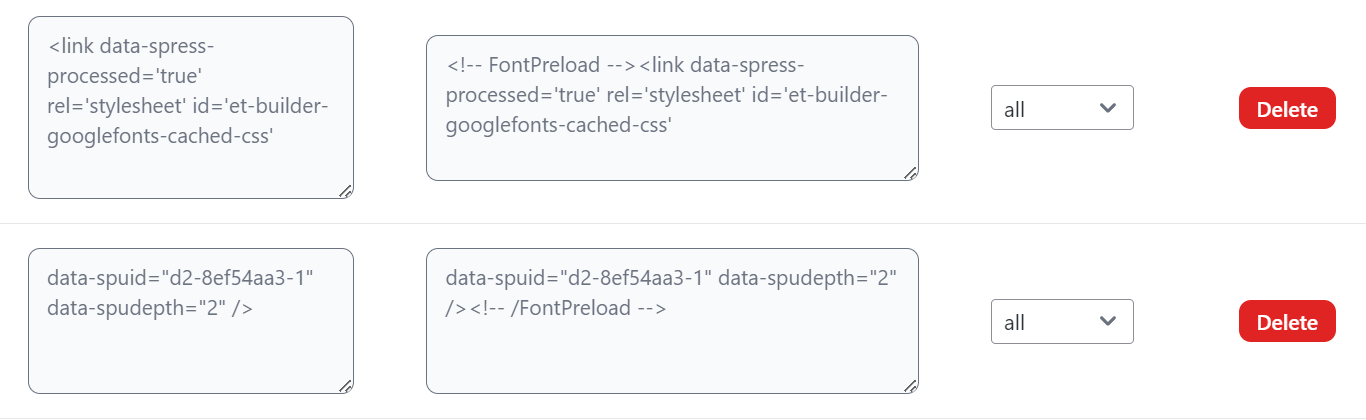
It’s a hack (and would require a better solution long-term), but let’s see if it helps us.
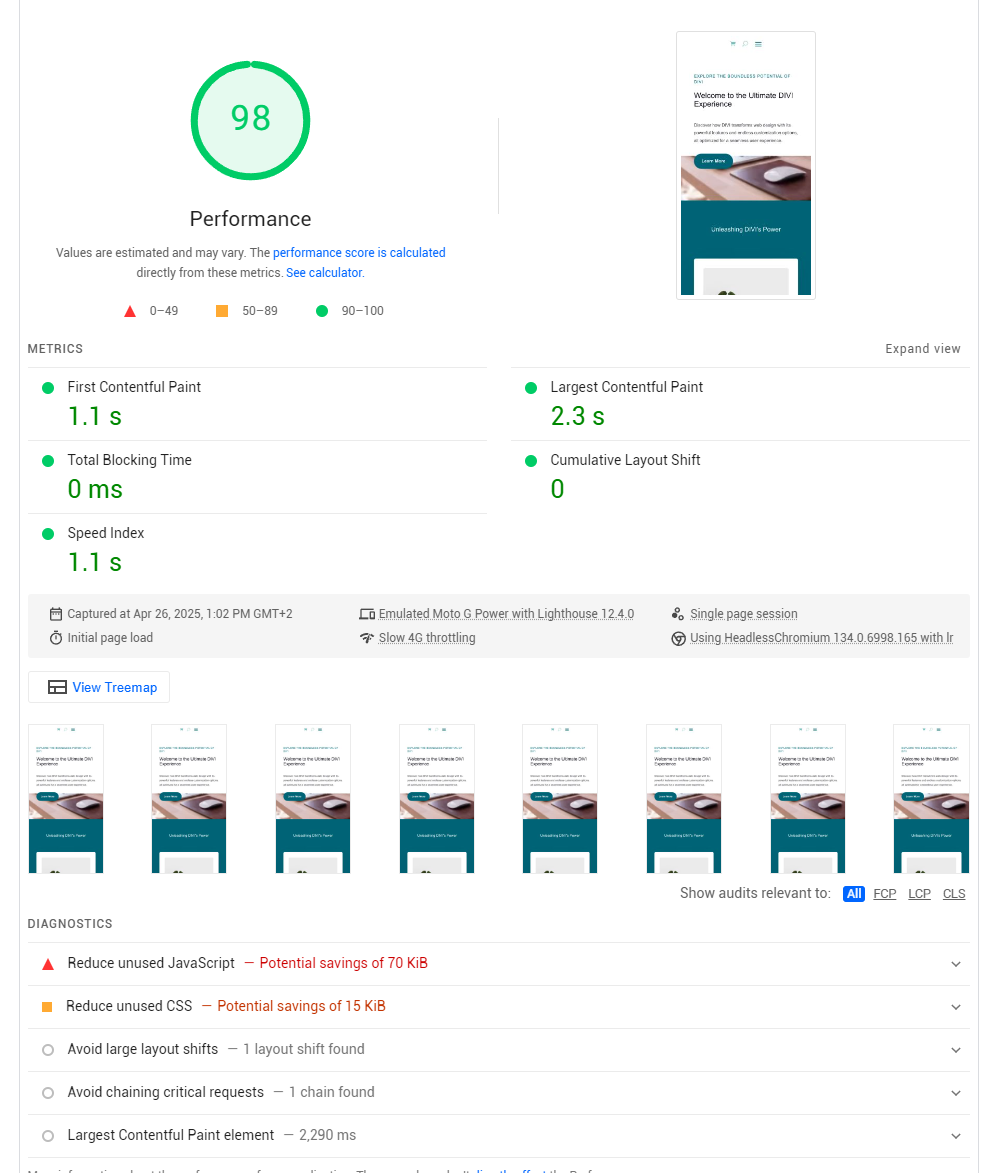
OK, we’re close now. So, what’s holding us back? There are two things that are preventing us from ringing up the 100:
There’s an icon font being loaded in (modules.woff, which I can see from the critical chain)
We’re loading in the Google Analytics JS
If this is a new site, we could just lazy load the Google Analytics JS. Stats would be consistent, but you wouldn’t get accurate bounce-back data. So let’s say that’s not an option. So we’re left with modules.woff. This icon font is used to display the shopping cart and search icon in the header. Let’s just remove the header for the moment
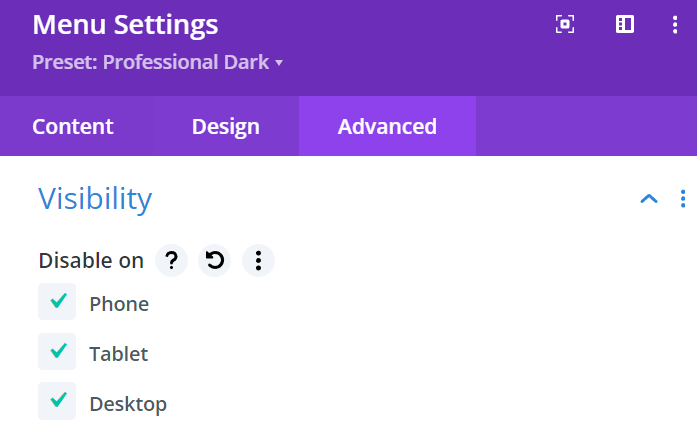
And we’ll use Find/Replace to prevent the font loading on mobile:
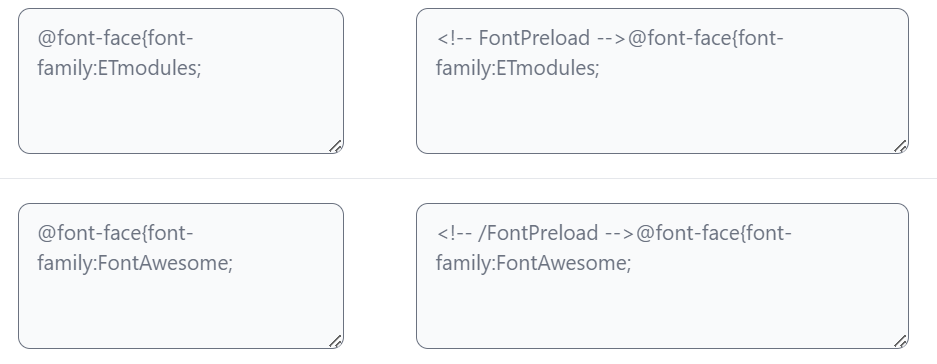
Let’s see…
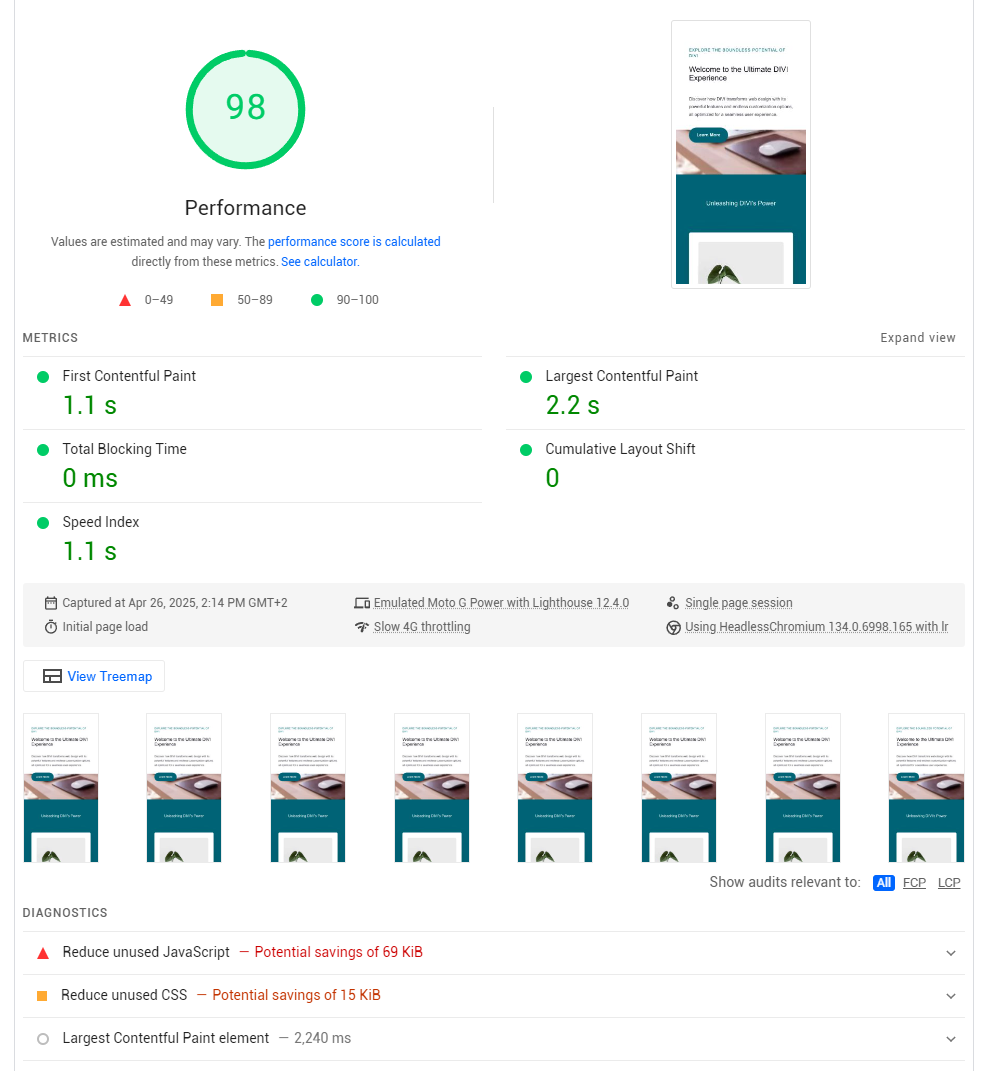
Gah! No real improvement. I think we need to swap the images that are being shown above the fold with lower resolution versions on mobile. Let’s see…

The image there of the mouse is only showing a small portion of the actual image, which is 2560x1440. Let’s crop it and change the background type for mobile
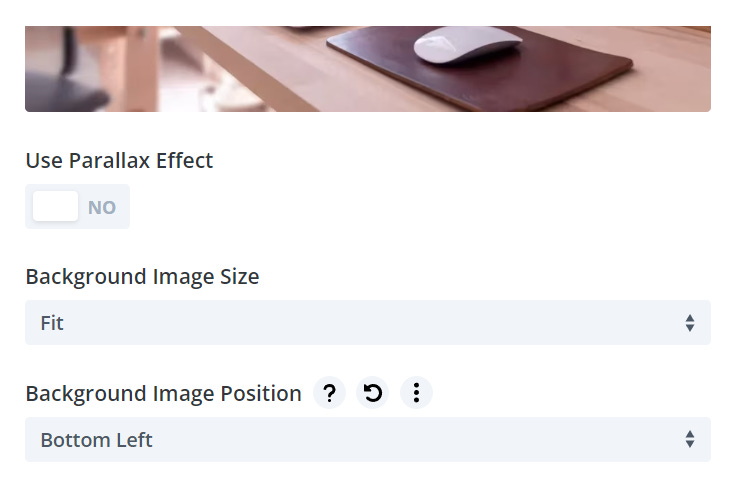
For the second image, we can simply swap it for the large thumbnail (instead of the original)
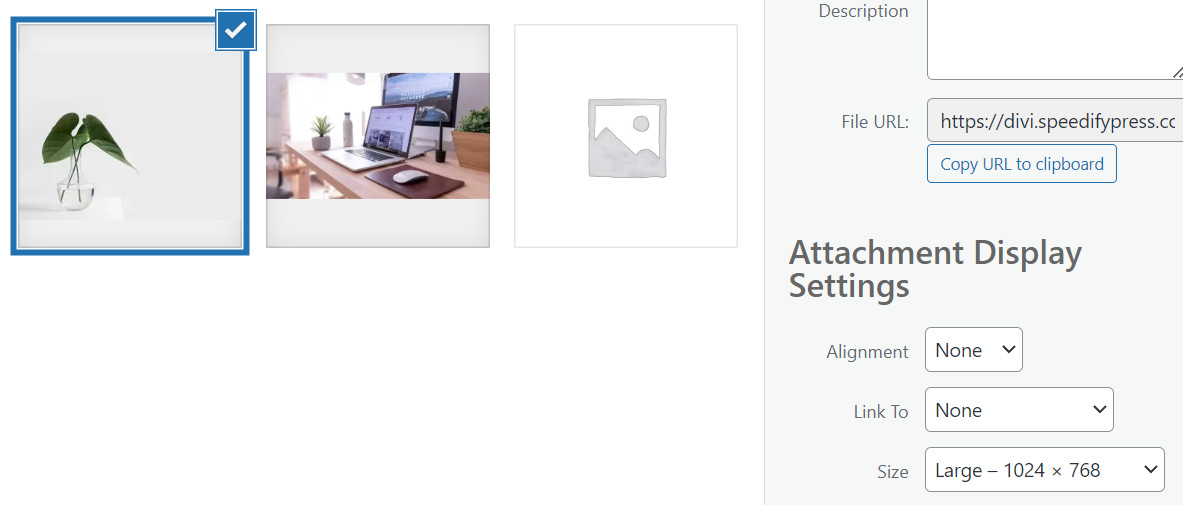
And fingers crossed 🤞…

Finally! So, we’re done, right?
Well, not quite … there’s still more to do.
Step 5: Attention to detail
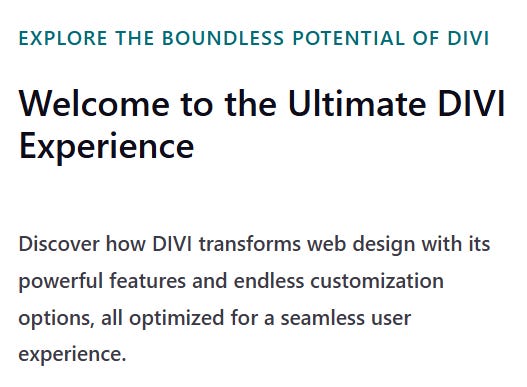
So… you’ll remember that one of the SpeedifyPress options that we chose was “Use System Fonts on Mobile.” This really helps us to lower the LCP as we have no font files loading on mobile at all.
BUT … it changes the look! By default, it makes the fonts modern looking Sans Serif. However, on our current site the H1 and H2 are a serif font:
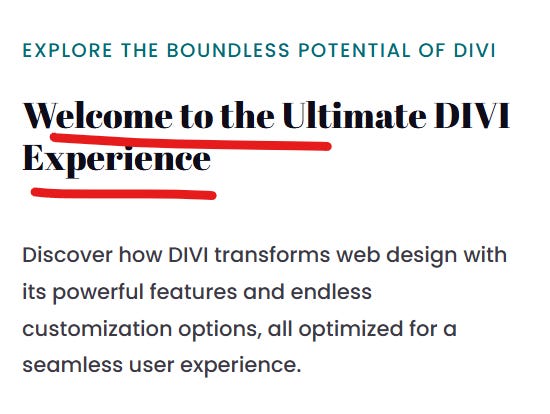
We’ve lost that completely…
No matter! We can get pretty close with the Georgia system font. So let’s add in some extra CSS…
@media (max-width: 800px) {
  h1:not(.fa):not(.fab):not(.fas):not(.far):not([class*=" awb-icon-"]):not([class^="awb-icon-"]):not(.ld-icon):not([class*="fusion-icon"]):not([class*="icon"]):not(input),
  h2:not(.fa):not(.fab):not(.fas):not(.far):not([class*=" awb-icon-"]):not([class^="awb-icon-"]):not(.ld-icon):not([class*="fusion-icon"]):not([class*="icon"]):not(input) {
    font-family: Georgia, serif !important;
    font-weight: bold;
    letter-spacing: -0.5px;
    line-height: 1.2;
    color: #111111;
  }
}
And the result…
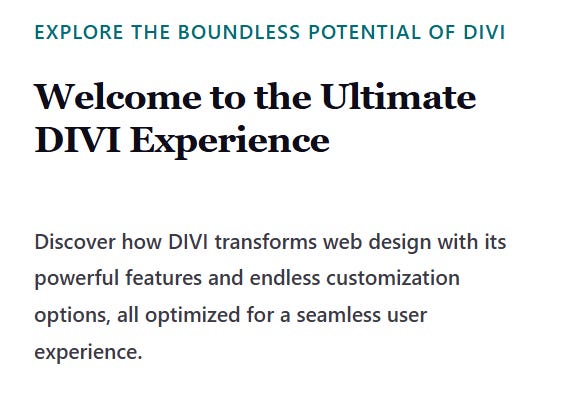
Not identical, but close enough. In my experience, no one ever notices!
So … now we are done. For a production site, there would be more to do:
Rebuild the header menu, using SVGs instead of icon fonts
DIVI caches fonts and that doesn’t play particularly nicely with SpeedifyPress, so we’d want to deactivate that caching
So there we are, another 100 in the locker! 🔒 You can check it out for yourself here:
https://divi.speedifypress.com/
How to optimise your own site
If you’d like to have a crack at tweaking your own site for performance, then read through My List of Tools and Resources.
If you’d like access to SpeedifyPress, you can subscribe below: